 Creating groups to check performance
Creating groups to check performance
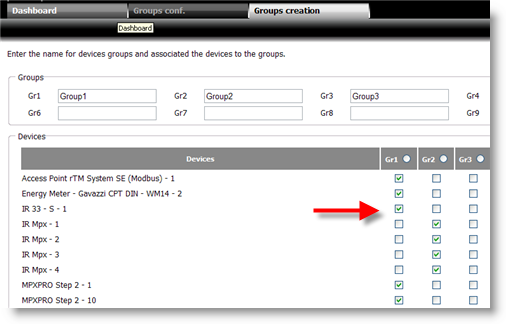
In Group definition set up a group, selecting the devices to be checked::
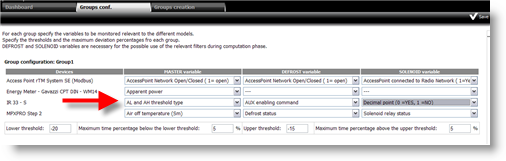
In Group conf. indicate variables and limits:
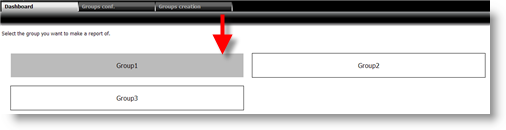
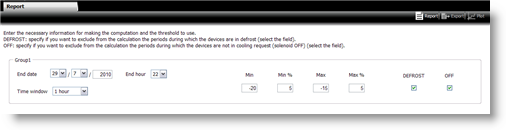
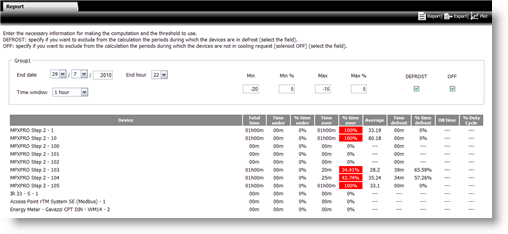
The report display window appears. Enter period data and limits to be displayed and click Report:
The report appears in the same page indicating values out of range:
 See also
Performance indicators: introduction
Performance indicators: basic concepts
PlantVisorPRO Locale 2.2.0 -