Return to the previously opened page

Open a list of links to frequently used pages.
|
|
Return to the previously opened page |
|
|
Open a list of links to frequently used pages. |
|
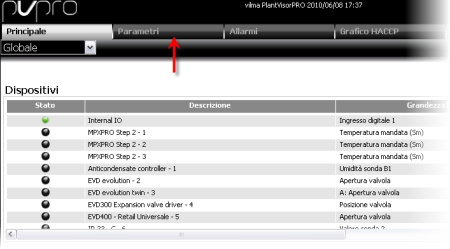
Open function pages |
|
|
Select a group. |
|
|
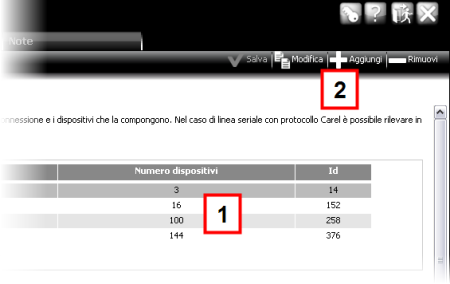
Open details or edit |
|
|
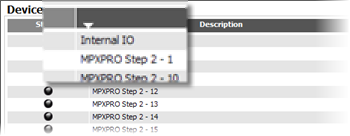
Sort by column |
|
A table can be sorted by column by clicking on the column heading. A white arrow appears to indicate ascending or descending order. Click again to change the order. |
|
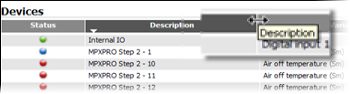
Changing column width |
|
Drag the column border. |
 See also
Common used buttons
PlantVisorPRO Locale 2.2.0 -