 Enabling variables to be monitored on Masters
Setting a second supervision line to determine offline status
Setting safe parameters and the required status in the event of offline
Enabling variables to be monitored on Masters
In Systems select the Masters to be monitored:
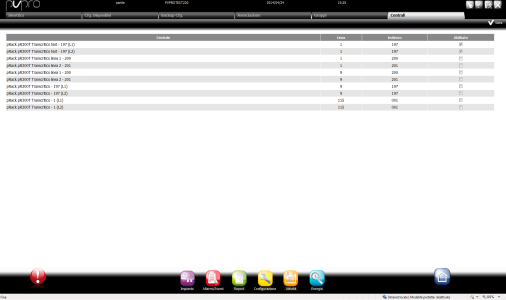
Click  to save
Setting and naming Slave groups
In Groups enter the group name and use the arrows in Group settings to add or remove Slaves from the group.
Click  to add the group to the list.
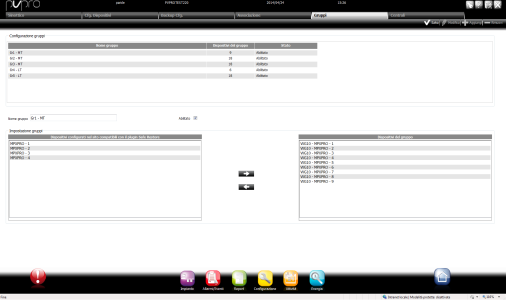
Click to save groups, click  to edit them or click
  to delete them.
Linking one or more Slave groups to each Master
In Link double click on a Master device and use the arrows to link it to one or more Slave groups (click  to add groups and click
  to delete them):
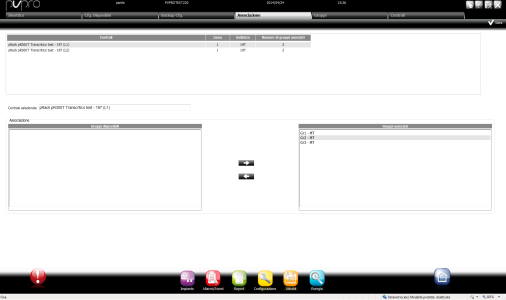
Click to save settings.
Setting a second supervision line to determine offline status
In Backup Cfg double click a Master variable in the list: parameters to be set appear.
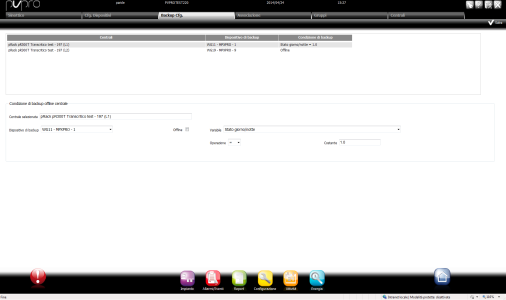
In System offline backup conditions select Offline or select a variable that signals offline and set the value to be compared.
Click to save settings.
Setting safe parameters and the required status in the event of offline
In Cfg. Devices set the value for each Master variable which, if read, causes safe values to be sent to Slaves.
In Slave devices set the safe and running values for each variable:
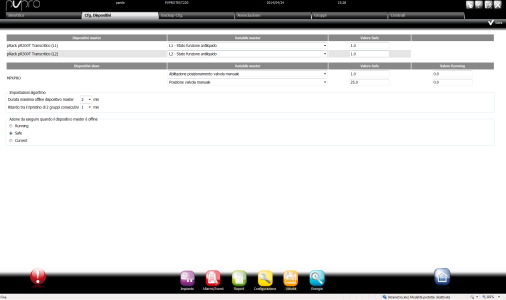
In Algorithm settings set:
In Action to be run when the Master device is offline select the required status in the event of Master offline.
Click to save settings.
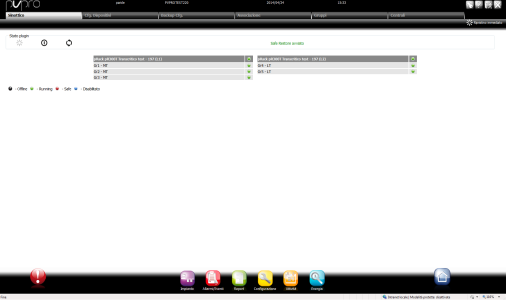
Viewing monitored Master status
Monitored Master-Slave groups and their status are displayed in Dashboard:
 See also
PlantVisorPRO Locale 2.2.0 -