See menu Plant, Global
See menu Site, Global, <groupName>
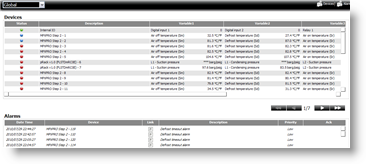
In these functions the user can:
-
check alarms
-
set group parameters
-
check HACCP and log graphs
-
open device details
See menu PlantGlobal, device details
See menu Plant, Global, <groupName>, device detail
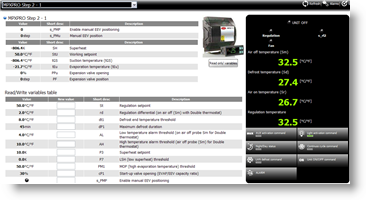
In this function the user can:
-
check status, probes, I/O variables
-
set parameters
-
check HACCP and log graphs
See menu Plant, Devices
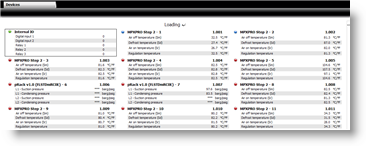
In this function, for each device the user can:
-
check status and probes
-
check HACCP and log graphs
-
open device details
See menu Plant, Map
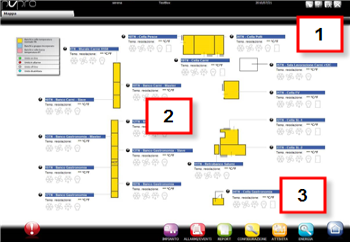
Map structure and aspect depend on installers. Usually, there is a main map used to navigate to detail maps like a website.
In this function, for each device the user can:
-
check and edit status and variables
 See also